Manufacturers in the administration interface
The Manufacturer section is used to categorize products by the manufacturer. This section can be accessed under Catalog > Manufacturers.
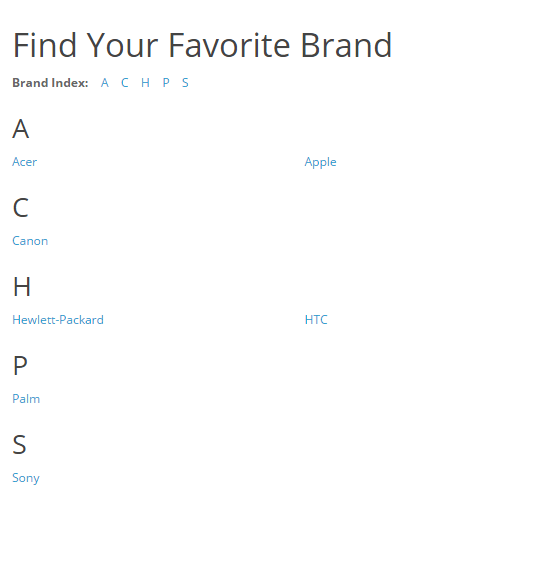
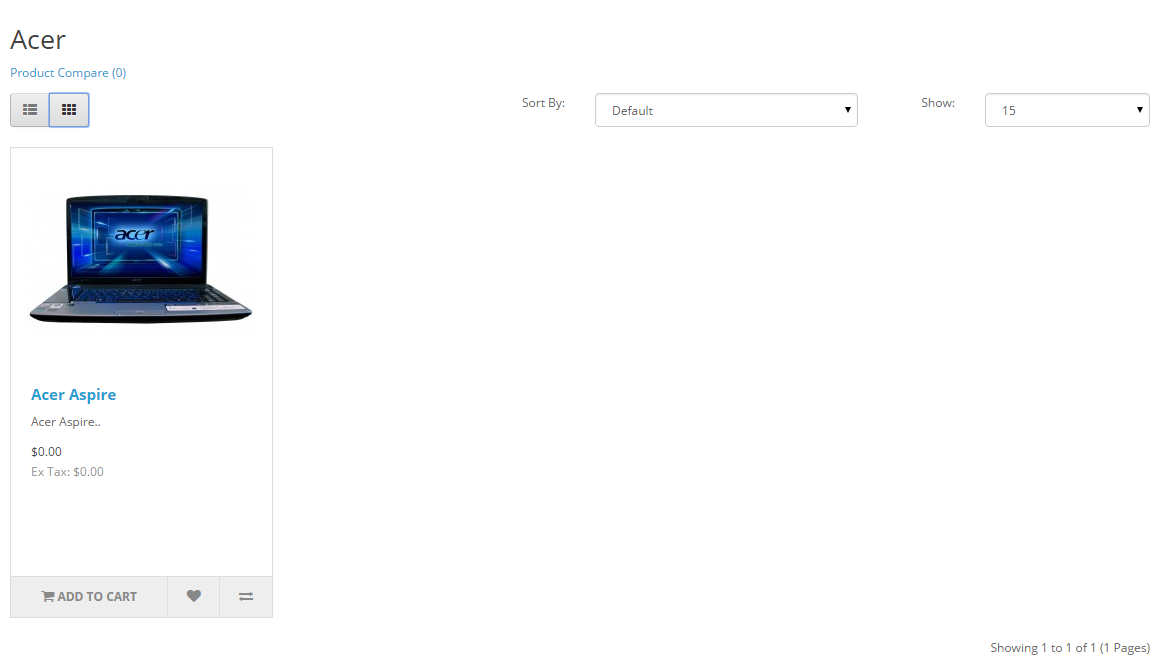
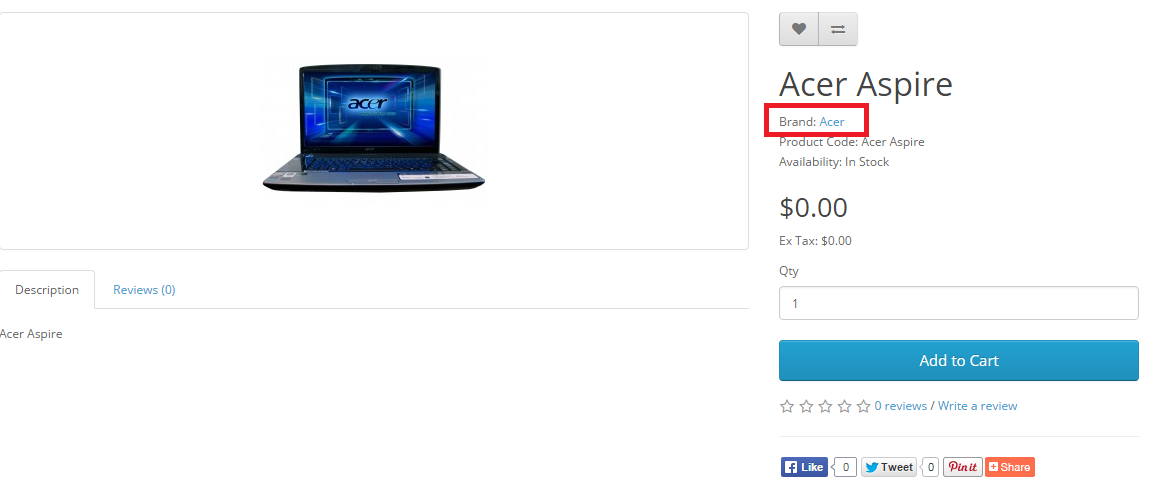
The Manufacturer names below came with the install. They can be deleted, and new manufacturer information can be added in its place. The manufacturer information should be created before products are added, so the manufacturer category can be selected when adding the product. Saving a product without including the manufacturer isn't advised, because customers can search for products in the storefront through their manufacturer page. With the manufacturer missing from the product information, the product will not be available on those pages.
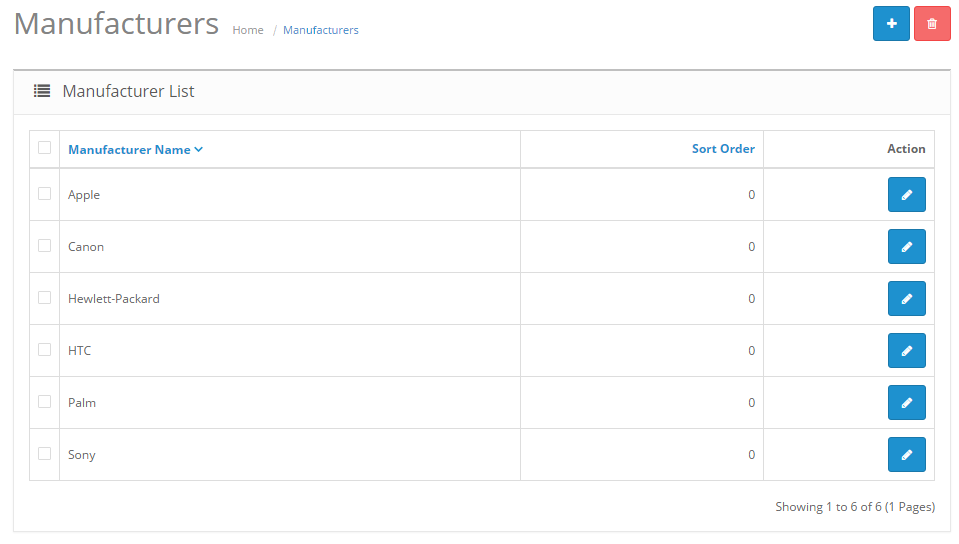
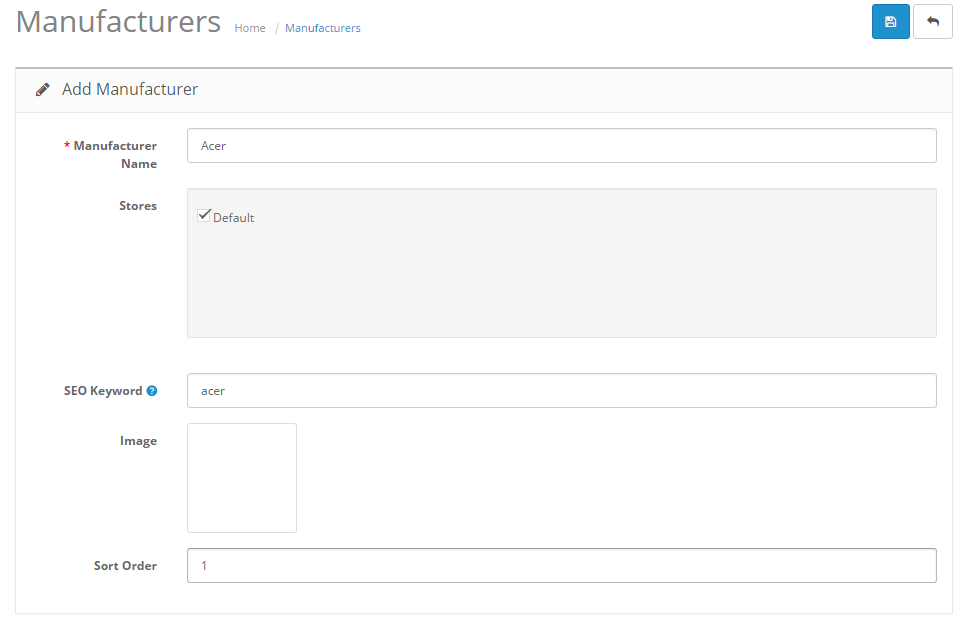
To insert a new manufacturer, the following information is required:
- Manufacturer name
- Stores: Default will be selected if there is only one store.
- SEO Keyword: the keyword used for search engine optimization (optional)
- Image: An image of the manufacturer (optional). See the Image manager to learn how to upload images.
- Sort Order: the position of the manufacturer will be sorted among multiple manufacturers (optional)
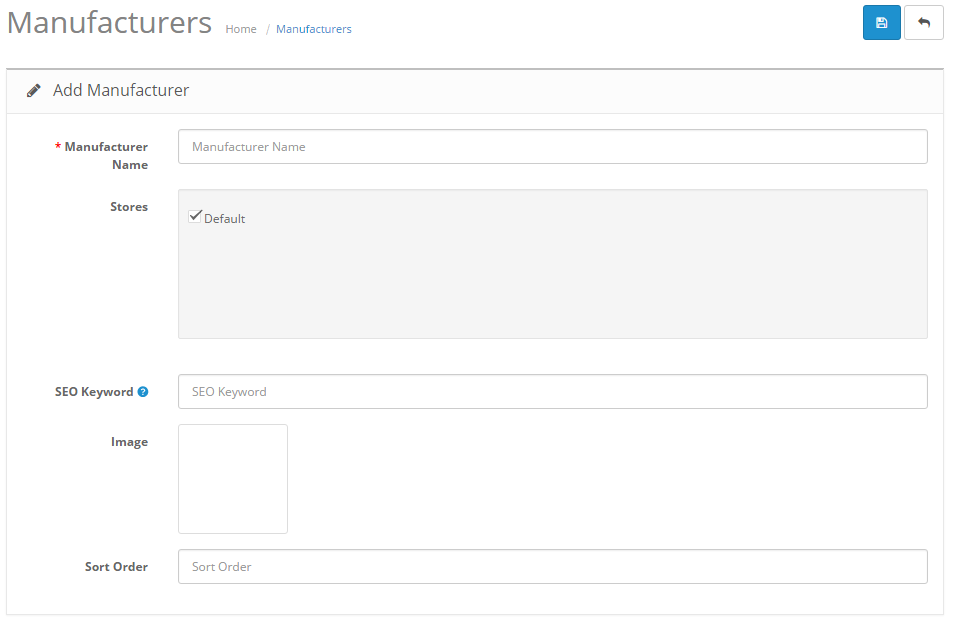
To edit existing manufacturers you can locate "Edit" under "Action". Clicking edit will direct you to the form above with the previously filled-in manufacturer information.