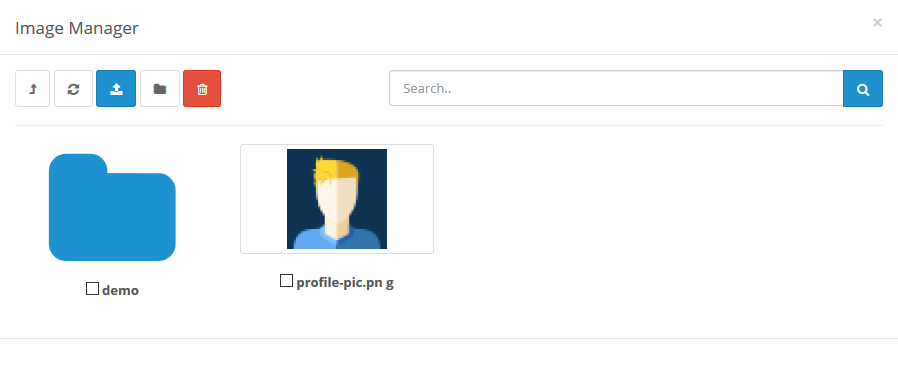
Image manager
The Image Manager is a tool used in the administration to upload image files. Banners, product images, the store logo, and manufacturers will all need images uploaded using the Image Manager.
This function can be opened in Category, Product, Banner, Store setting pags and etc which is needed to edit the image for the store.
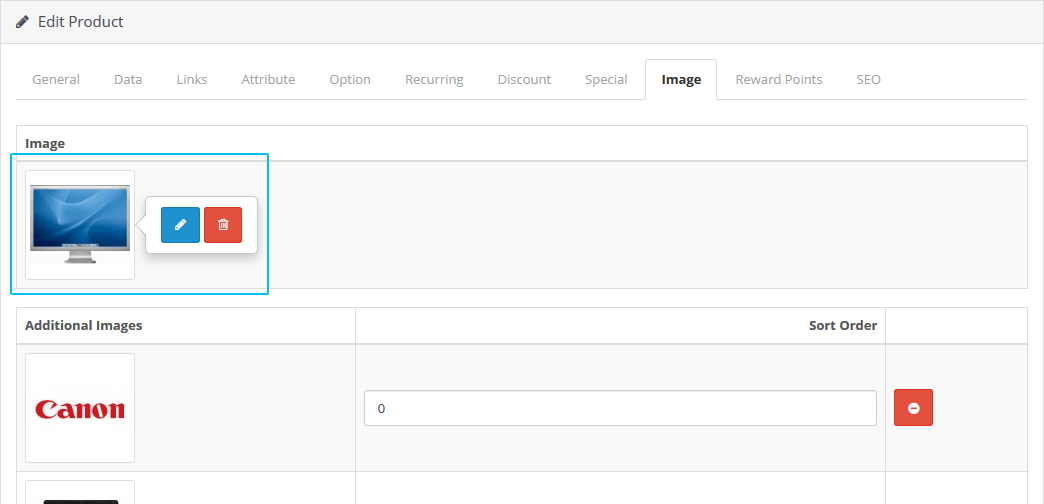
Clicking will open up a new window called the "Image Manager". Click the Upload button in the toolbar, which will open up your computer's file directory to directly add them. The images below were provided for the default products. Select an image by clicking on one, and press the Delete& button in the toolbar to delete it.